
Pylon
The native iOS & Android app for your Field Operations Platform — the same web app your team already runs, with native speed and field-ready tools in your pocket.


What your team can do
Run the whole field operation
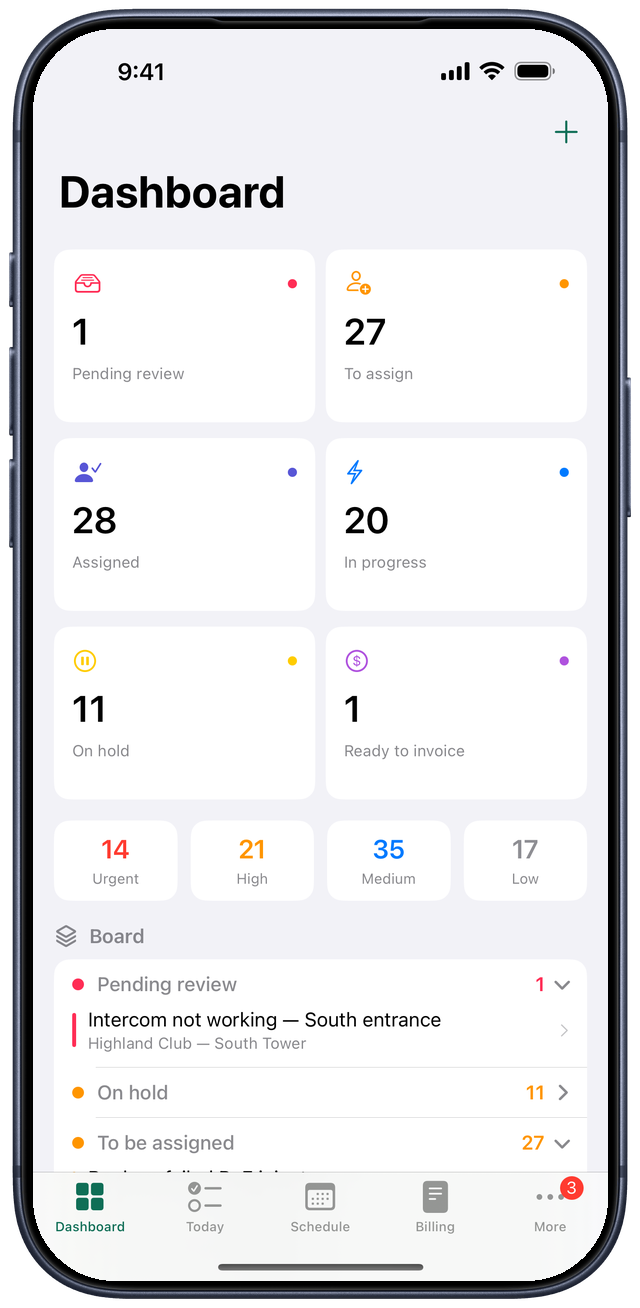
Pylon carries the full platform — from the first lead to the final invoice — so dispatchers, technicians, and the back office all work from the same live picture.
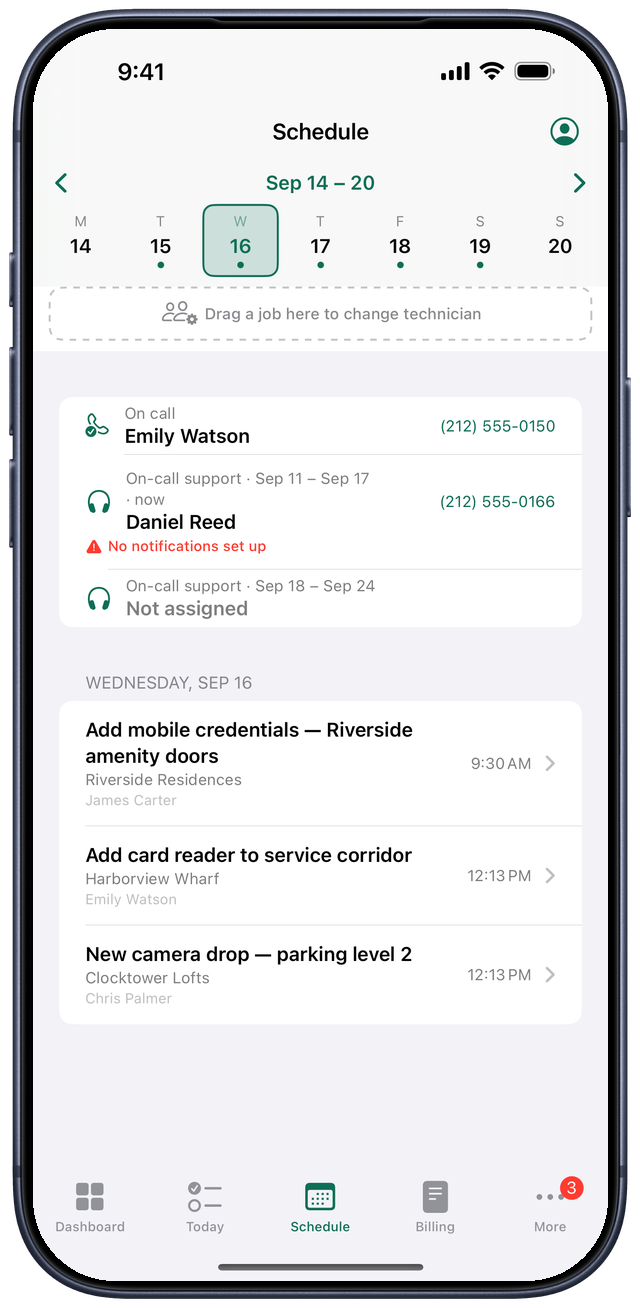
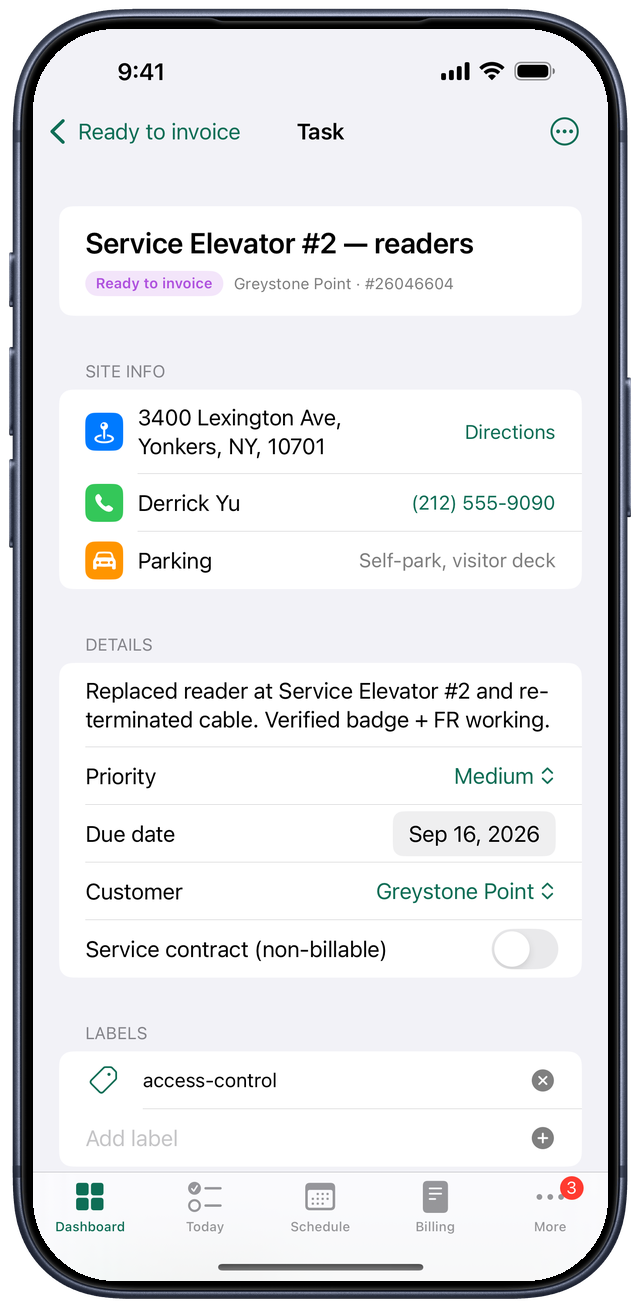
Jobs & tasks
Assign and schedule work across multiple technicians and days, with a clear status workflow from open to done.
On-site documentation
Capture photos and video at the start and end of a task, with built-in time tracking for every visit.
Projects, customers & sites
Keep customers, their sites, gate codes, and site notes organized — so crews arrive ready before they knock.
Sales pipeline
Move leads to opportunities to quotes — with branded PDF proposals — and turn a won quote straight into a project.
Billing & pricebook
Invoice from the work itself, price line items from a shared pricebook, and track supplier costs against the job.
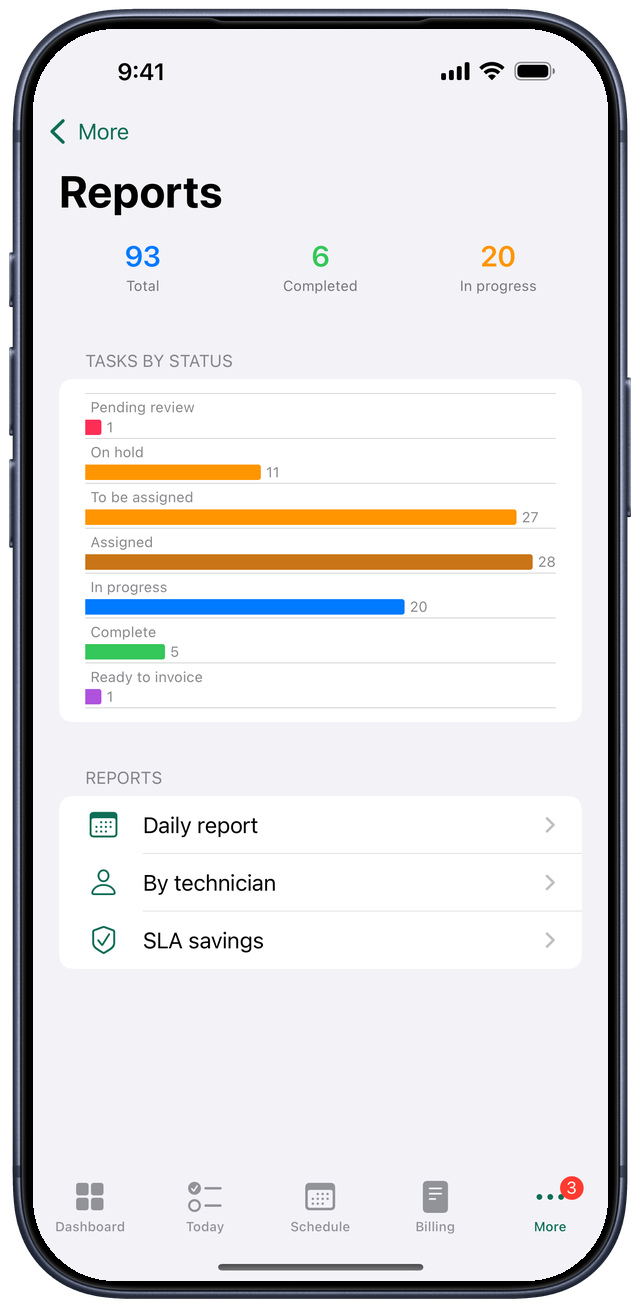
Reports that matter
Daily summaries, per-technician output, and SLA savings — the numbers owners actually want to see.
Built native for the field
More than a web page in a frame
Pylon is a fully native app — SwiftUI on iPhone and iPad, Kotlin on Android — talking straight to your platform’s API. Your jobs live on the phone, so screens open instantly and keep working when signal gets thin.
One-tap onboarding
An admin emails a link; it opens Pylon and fills in your organization’s address automatically. No typing.
Push & badges
Job and task alerts arrive instantly with a native app-icon badge — even when the app is closed.
Full-screen camera
Document work edge-to-edge with pinch-to-zoom, so the detail in a photo is actually legible.
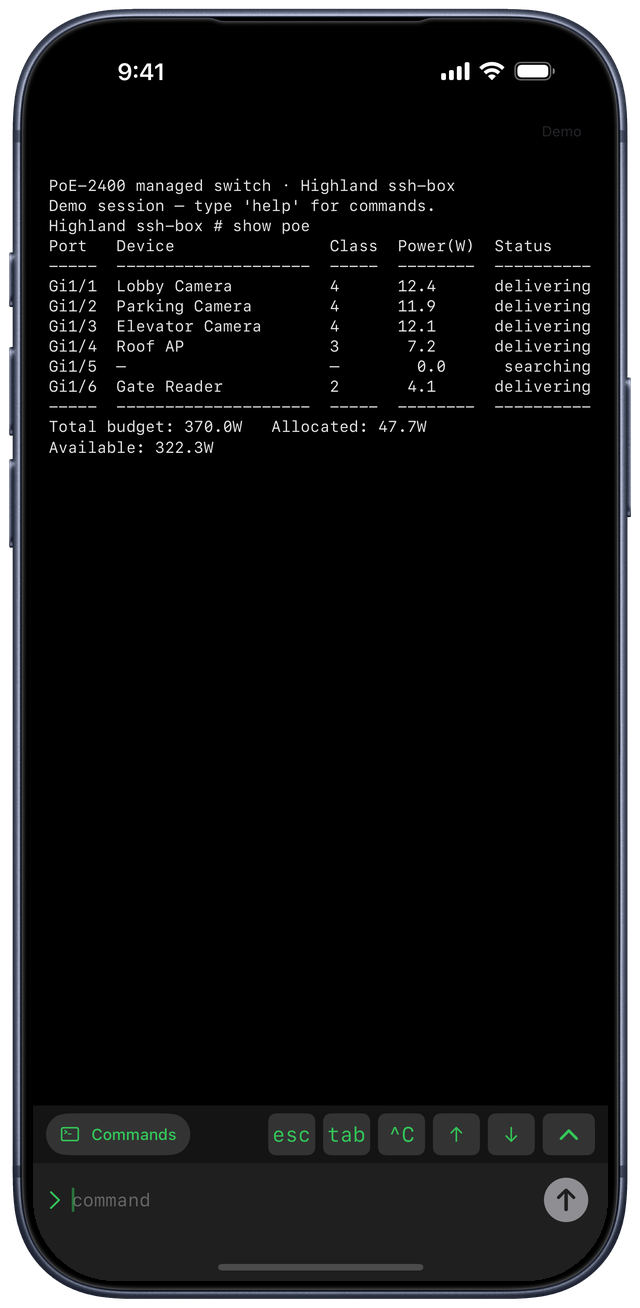
SSH terminal bar
A key-accessory bar puts the keys a terminal needs — tab, arrows, ctrl — right above the keyboard.
Face ID confirm
Sensitive actions, like power-cycling a device in the field, ask for a quick biometric confirmation first.
Offline-first
The day’s jobs, gate codes and site notes sync to the phone. Edits queue while you’re in a basement and upload on their own when you surface.
Connects to the tools you already use
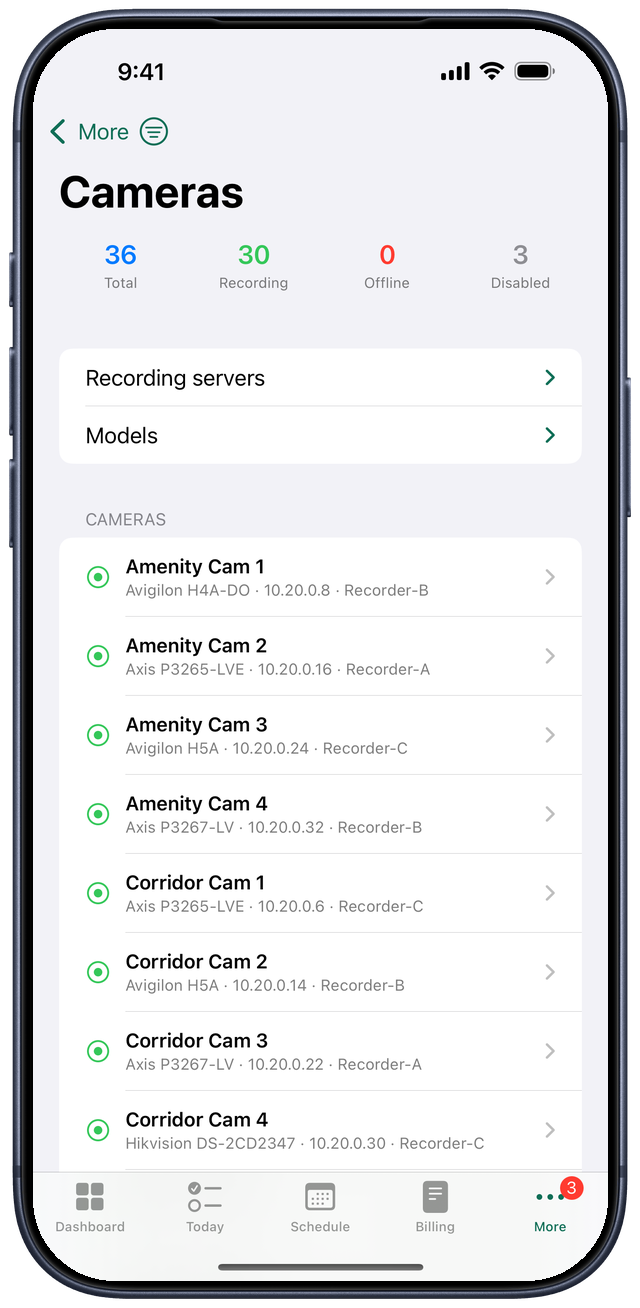
Fits your existing stack
The platform behind Pylon talks to the systems your business already depends on, so data flows instead of getting re-keyed.
How it works
One-tap setup
- Install Pylon from the App Store on iPhone or iPad, or Google Play on Android.
- Your administrator sends you a setup link by email — tap it and Pylon fills in your organization’s address for you.
- Sign in and you’re working from the same live platform as the rest of your team — now with native push, camera, and field tools.
Just exploring? Open Pylon and tap “Try the live demo.” Got a link already? Open the setup page.
Trust & security
Locked to your deployment
- Not a general-purpose browser. Pylon only opens recognized, authorized deployments of the Field Operations Platform — nothing else loads.
- Your session stays on your device. Pylon is a thin native shell over your own deployment; Logan Technology doesn’t sit between you and your data.
- Biometric gates on the risky stuff. Destructive actions require Face ID, so a handed-over phone can’t fire them by accident.
Pylon is a white-label shell: each organization points it at the Field Operations Platform that Logan Technology has deployed for them.